
To use AirPlay and Chromecast, make sure you are within range and connected to the devices or network.
When you’re playing a video inside the app, look for the cast icon connect to in the top right of the video. It could appear similar to any of the below: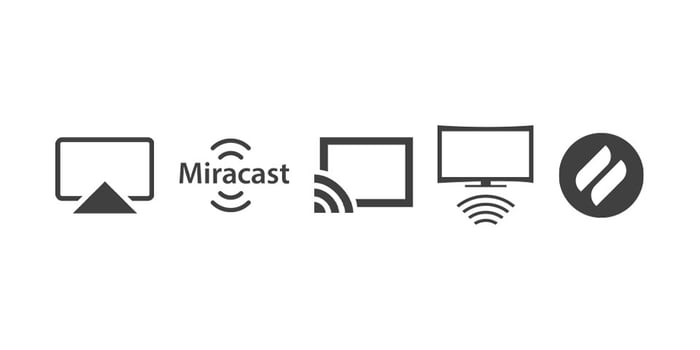
Once tapped, you should be able to connect to different devices on your network. They will show up in a list and you choose the one you want.
If it doesn’t begin casting, please:
1. Turn off your Modem and/or Router for a full five minutes.
2. Turn off your TV or TV streaming device and back on again.
3. Restart your phone.
4. Wait 5 minutes after everything has turned back on and reconnected.
5. Reload the app and try to cast again.
Comments
0 comments
Please sign in to leave a comment.